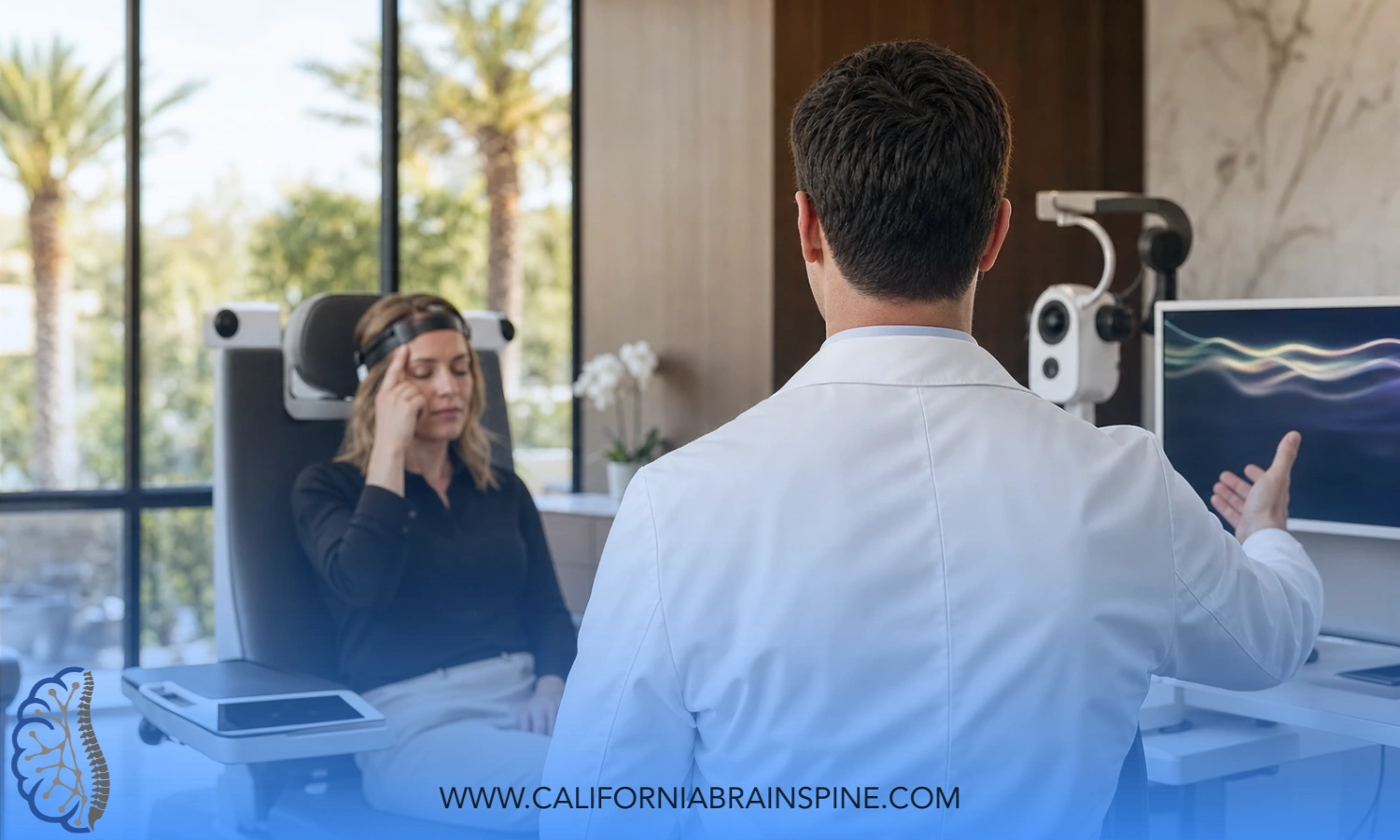

Why computer screens can worsen dizziness?
At our California Brain & Spine Center in Calabasas, we see a surprisingly modern kind of dizziness: people who feel fine walking around, fine doing daily tasks — but the moment they sit at the computer under office lighting, the dizziness, eye strain, or even migraine-like symptoms start. When we look deeper, it’s not always the inner ear that’s the problem; it’s the workspace. That’s why I often walk patients through how to set up a vertigo-friendly workspace (lighting, screens, seating) so their nervous system isn’t being provoked all day long.
Many of our patients in California are recovering from concussion, have vestibular disorders, dysautonomia, visual-motion sensitivity, or migraine associated with vertigo. For them, even a small mistake in ergonomic seating for people with vertigo or a screen that’s too bright can keep the brain in “over-alert” mode. The good news is that a lot of this is fixable — if you deliberately create a vertigo-friendly workspace setup instead of using a generic office layout designed for perfectly healthy eyes and vestibular systems.
Below I’ll explain, in a structured way, how to set up a vertigo-friendly workspace, what to do with lighting, screens, seating, and how to reduce dizziness from computer screen exposure during long workdays.
Why Office Setups Trigger Dizziness in Vestibular or Post-Concussion Patients
Let’s start with the “why.” A brain that’s recovering from concussion, vestibular dysfunction, or autonomic imbalance is already working harder to integrate eye, neck, and balance information. When you throw in:
- overhead fluorescent lighting,
- two or three bright monitors,
- a chair that lets the head poke forward,
- and constant visual motion on the screen,
you create many micro-triggers. That’s when people start saying, “I get dizziness from computer screen but not when I’m out walking,” or “my headaches only start when I’m under that office lighting.” So learning how to set up a vertigo-friendly workspace (lighting, screens, seating) becomes part of the treatment — not just a comfort feature.
Step 1: Seating and Head Position Come First
Most people start with monitors, but with vestibular and post-concussion patients, I prefer to start with posture. If the head is forward or tilted, the neck joints and the vestibular system don’t send perfectly matching signals to the brain. That mismatch can worsen dizziness.
Here’s what ergonomic seating for people with vertigo should look like:
- Feet flat on the floor or on a stable footrest — unstable legs can increase body sway.
- Hips slightly higher than knees to avoid slumping.
- Lumbar support so you’re not rounding forward.
- Head stacked over shoulders — if you have to push your chin forward to see the screen, the screen is too far or too low.
- Chair that locks — for some dizzy patients, a constantly moving/swiveling chair keeps the vestibular system irritated.
If you get your seating right, you’ve already gone a long way toward a vertigo-friendly workspace setup, because the head and eyes can now work in a stable position.
Step 2: Monitor Height and Distance
This is one of the biggest culprits. A lot of patients don’t have a vestibular problem as much as they have a neck and eye mismatch.
- The top of the monitor should be at or just below eye level.
If the monitor is too high, you tilt your head back; too low, you flex your neck for long periods. Both can provoke dizziness. - Distance matters.
A good starting point is about an arm’s length away. If you’re leaning forward to read, it’s too far; if you feel eye strain, it may be too close. This is where the idea of best monitor position to avoid dizziness comes in — we want the eyes to track comfortably with minimal head movement. - Single vs. multiple monitors.
If you’re sensitive to motion, two or three monitors with different brightness levels can overstimulate you. In that case, start with a single primary monitor and only later add a second one.
By correcting the monitor, you directly address how to set up a vertigo-friendly workspace because the head, eyes, and vestibular system can now coordinate with less effort.
Step 3: Lighting That Doesn’t Fight Your Brain
Lighting is a big trigger for vestibular migraine and post-concussion visual sensitivity. Many offices use overhead fluorescent or LED panels that flicker or create harsh contrast. For someone with dizziness, that’s the opposite of office lighting for dizziness and migraines.
Try this instead:
- Use indirect, softer light coming from the side, not directly from above.
- Match screen brightness to room brightness. Extreme contrast (dark room, very bright screen) makes the eyes work harder.
- Avoid glare behind the monitor — a window directly behind the screen makes your eyes constantly readjust.
- If you can, sit perpendicular to a window, not facing it and not with it directly behind the screen.
These small changes make a big difference for patients who keep saying “I get dizziness from computer screen” — sometimes it’s not even the screen, it’s the lighting around it.
Step 4: Screen Settings to Reduce Visual Motion
A lot of dizziness from computer screen comes from visual motion overload — scrolling fast, auto-play videos, animated dashboards. If you’re teaching your brain to calm down, you should also calm the visual diet.
- Reduce screen brightness to the lowest comfortable level.
- Increase font size so you don’t lean forward.
- Turn off unnecessary animations or auto-scrolling where possible.
- Use dark mode only if it genuinely feels better — it’s not universal.
This is all part of how to reduce dizziness from computer screen — you’re not just treating the vestibular system, you’re reducing the amount of visual noise the brain has to process.
Step 5: Micro-Breaks and Visual Resets
Even the best vertigo-friendly workspace setup will fail if you stare at one point for 3 hours straight. The vestibular and ocular systems like movement — just not chaotic movement.
So build in:
- 20–20–20 rule (every 20 minutes, look 20 feet away for 20 seconds)
- Gentle neck rotations (within pain-free range)
- Standing for 1–2 minutes to reorient balance
- A few slow eye–head coordination drills if your clinician gave them to you
This respects the fact that many dizziness patients in California are also doing vestibular rehabilitation. Your workspace shouldn’t undo that.
When Workspace Changes Aren’t Enough
Sometimes patients tell us, “I did everything — ergonomic seating for people with vertigo, best monitor position to avoid dizziness, changed office lighting for dizziness and migraines — and I still get spells.” That’s when we look deeper.
At our Calabasas clinic we often find:
- Residual vestibular hypofunction
- Cervicogenic (neck-driven) dizziness
- Dysautonomia that makes sitting too long provoke symptoms
- Visual-vestibular mismatch after concussion
In those cases, the workspace was a trigger, but not the root cause. That’s where our non-invasive neurology, vestibular rehab, post-concussion care, and autonomic-focused services help you actually fix the underlying sensitivity so you can work normally again.
Local CTA (Clinic Voice)
If you live in Calabasas, elsewhere in Los Angeles County, or you travel to us from Southern California, and your dizziness or headaches are clearly worse at the computer, we can evaluate you. We don’t just tell you to change your chair — we test your vestibular system, your eye movements, and even your neck to see why your nervous system is overreacting to screens and office lighting. Then we match your rehab to your real life, including how to set up a vertigo-friendly workspace (lighting, screens, seating) for your exact case.
You can explore our dizziness, vestibular rehabilitation, post-concussion, and dysautonomia-related services at https://californiabrainspine.com/ — our team will help you move toward steadier, more productive workdays.
Summary
- Many patients with concussion, vestibular problems, migraines, or autonomic issues get symptoms mainly at the computer.
- For them, learning how to set up a vertigo-friendly workspace is a clinical step, not just an office luxury.
- Key elements: stable ergonomic seating for people with vertigo, best monitor position to avoid dizziness, and office lighting for dizziness and migraines that doesn’t overstimulate the system.
- If changing the workspace reduces but doesn’t remove symptoms, the underlying vestibular/autonomic/cervical issue needs in-person assessment — which we provide in Calabasas.
FAQs
1. Why do I only get dizzy at my desk and not when walking?
Because desk work is visually and posturally demanding. A poor setup overwhelms the visual–vestibular system. That’s why how to set up a vertigo-friendly workspace matters so much.
2. Do I need a special medical chair?
Not always. You just need a chair that lets you sit upright, keep your head over your shoulders, and keeps your feet stable. That’s the essence of ergonomic seating for people with vertigo.
3. Are two monitors bad for dizziness?
Not automatically, but if the brightness, size, or angle are mismatched, or if you turn your head a lot, it can increase symptoms. Start with one well-positioned monitor — the best monitor position to avoid dizziness is straight ahead, eye level, at arm’s length.
4. Can lighting really trigger dizziness?
Yes. Harsh overhead lights, glare, and flicker can aggravate vestibular migraine and post-concussion visual sensitivity. Using office lighting for dizziness and migraines (softer, indirect, matched to screen brightness) often helps.
5. What if I work from home and still get dizziness from computer screen?
Then you have full control — adjust lighting, seating, and monitor today. If symptoms persist, we should check for deeper vestibular or autonomic components and integrate workspace advice into your rehab at https://californiabrainspine.com/.